
webmaster's blog
Adventures With Drupal 10

It has to start somewhere I just wish I didn't forget so much LOL
Starting point is
https://memorial.mosteasterly.com
Started as usual with creating subdomain within Cplanel > domains > add
Probably worth then going to
Cpanel > MultiPHP INI Editor > Memory_limit to 64M
but also seeing if you can up PHP version to high-test (8.12??
Also worth copying one of the root php files and calling it my info.php
then replacing content with this
/<?php phpinfo(); ?>
and
Dynamic Maps
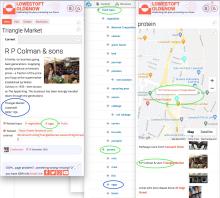
The map functionality requires no additional coding to show the user what they wish to see, it simply takes the last part of the web address as a filter.
eg: /maps/milk will find all places/organisations that sell milk.
It also understands nested taxonomy a simple example would be
FOOD TYPES
_FRUIT
__Strawberries
___scottish strawberries
Dealing with different date styles
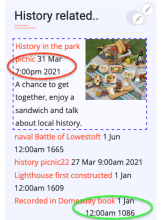
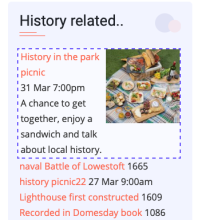
For simplicity we use the same 'add content' wether we are adding a 'Picnic next week' or an important historical event. This can be easily dealt with for the Timeline by simply filtering out all events AFTER year 2000.
Using AI on old photos
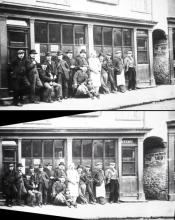
One challenge we have with documenting the historic high street is that because the street is so narrow most old photos are taken looking up or down the street rather than flat on.
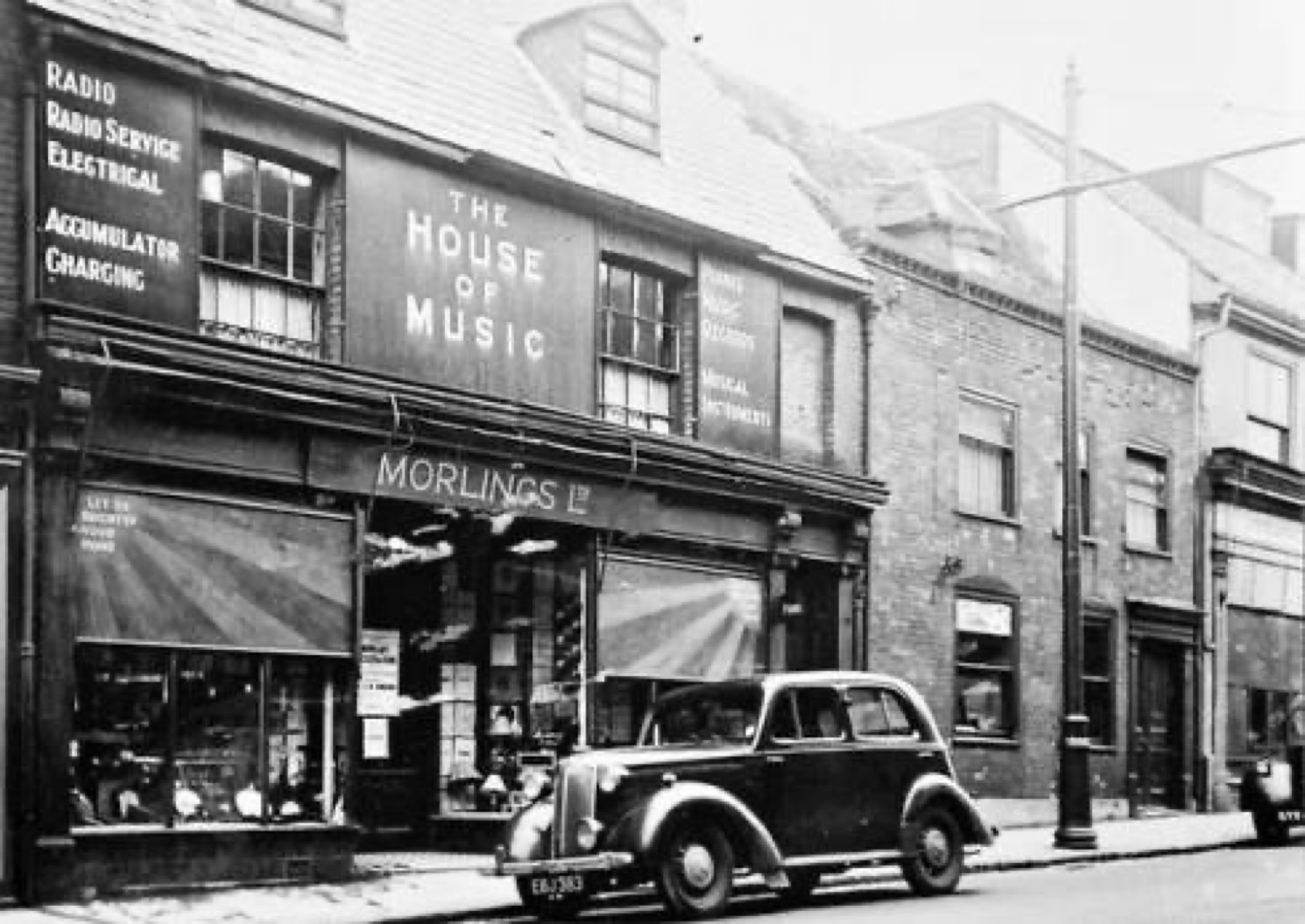
we are using AI (an app called Snapseed) to correct this perspective. We start with the original image, then crop to the individual property.
How old is that photo?
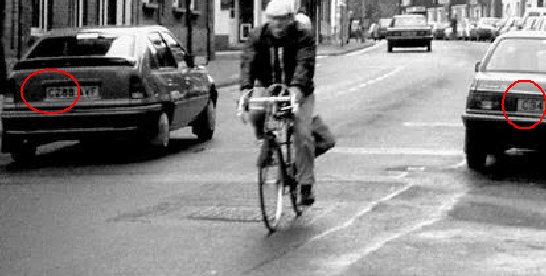
Most photos have clues you can read. Pictures with cars in then can show that the photo must be AFTER a particular date. For example the photo opposite has a couple of C reg cars in it, so thanks to this site it must be after 1985.
History appearing as 'related stories' on Use It All
Writing this as a blog:
Just easily and quickly updated Use It All's front page, in this case by adding a new poster (image) to the events calender story, and selecting Front page/featured. No problems. But the page - now published - shows a set of 'history related pages...' on the righthand bar. I can't work out what is triggering this, as none of my checked 'related sites/pages' etc seem to be directly connected to our multi-faceted ever-growing history project. One for Monday's face to face meeting, me thinks.
Kim’s Story
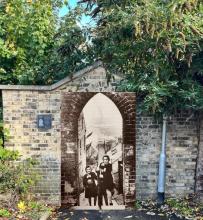
Kim had always been interested in local history and heritage and had passed this interest onto her children. She had often seen photographs from the Victorian era pop up on the local Facebook history page and found her self staring at the architecture in her street and wondering why it was the way it was.
But she was put off by not knowing where to start learning about the history of her street, and then how she would record it and share it.
Working with archive photo collections
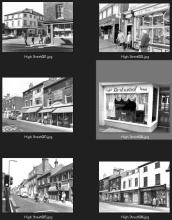
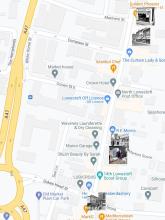
A key part of the Ten Streets project could be:
Working with archive photo collections to design and put in place systems that embed multiple copyright protection systems that will discourage unauthorised sharing (via social media) and thus give confidence to such collections to share more widely (sometimes for the first time). This could also allow ways to embed further details in each picture (meta data?). This would travel WITH the image even if duplicated, screenshot or printed as hard copy. This would allow users to discover.
Create Org page with attached dynamic list
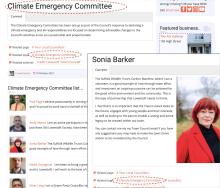
Creating a building/org page with a list of related components eg Committee with a list of committee members
In taxonomy ensure you have the tag that will pull everything together eg /committees/climate-emergency-committee
Create Org page that has the same title eg "Climate Emergency Committee" and in 'URL Alias' turn off auto and use the syntax /list/page-name eg /list/climate-emergency-committee. This tells Drupal to go and get the list block and filter it by the URL of the page.